
Remote Support
Steps
Download the app
Choose your operating system below — Windows or Mac — and download the Remote Support app. It’s free and takes just a few seconds.
Install and run the app
Run the file you just downloaded and follow the quick installation. Once it’s done, open the app.
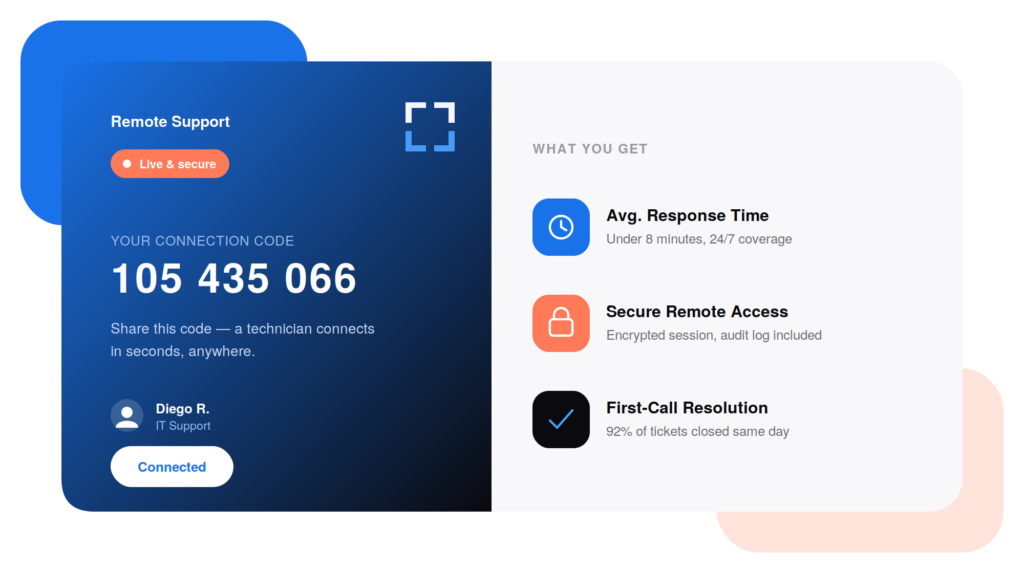
Share your 9-digit code
The app will show you a 9-digit connection code. Send that code to your IT technician — it’s the only way we can connect, and it’s what gives us permission to start.
Close the app to end access
When the session is over, simply close the app. That immediately ends the connection and removes our access — we can’t see or reach your computer again unless you open it and share a new code.